Hi everybody,
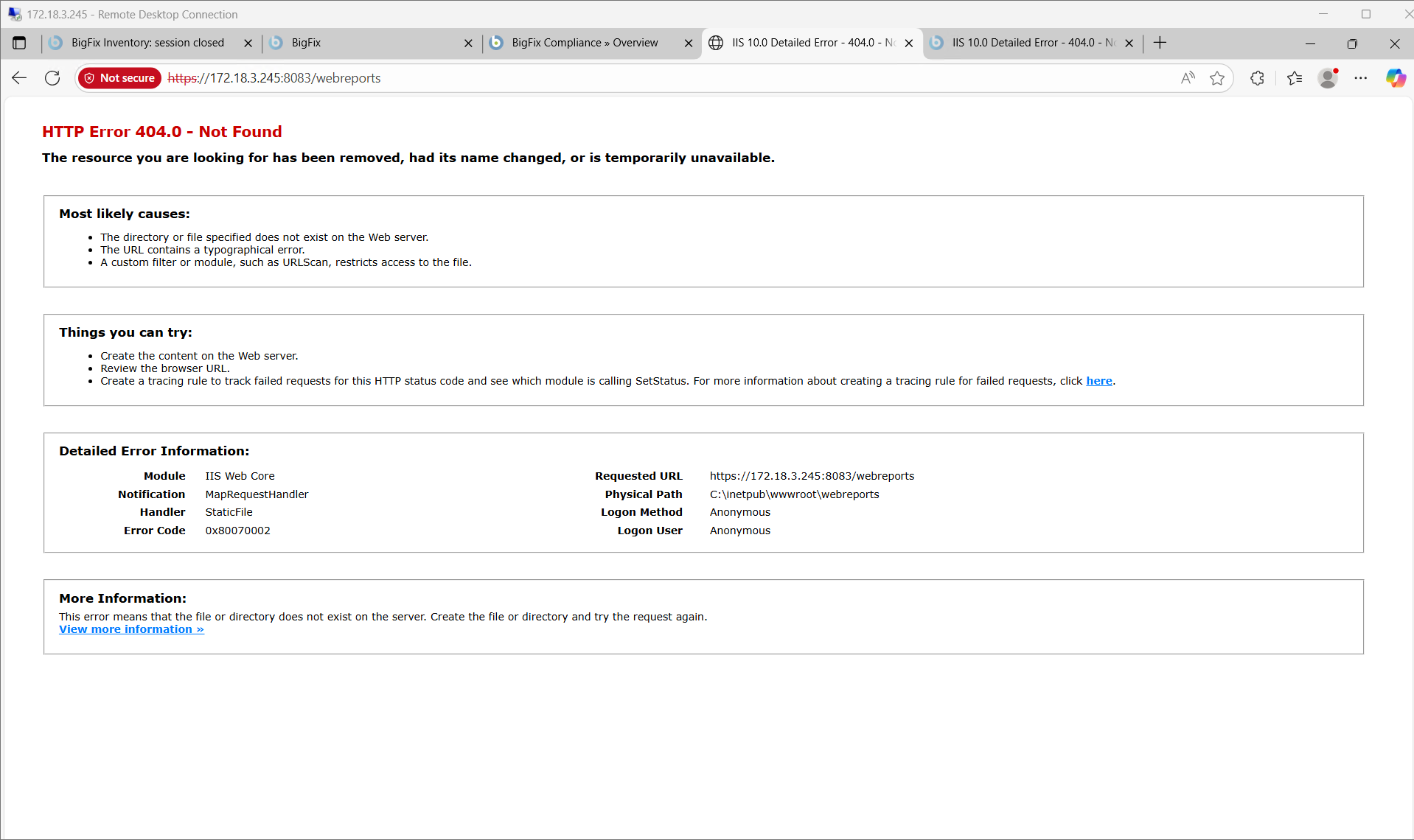
I’m facing an issue with BES Web Reports in which I cannot access web reports web page. It redirects me to Error page 404.
Hi everybody,
I’m facing an issue with BES Web Reports in which I cannot access web reports web page. It redirects me to Error page 404.
You should check which process is listening to port 8083 on that machine
Because the Web Reports is not an IIS Web service
A similar older post discusses this issue:
When clicking Lauch WEB reports, http 404 error is thrown - Reporting - BigFix Forum
The point made by @orbiton is correctly highlighted.
Here’s a small tip if you're trying to find which process is using a specific port:
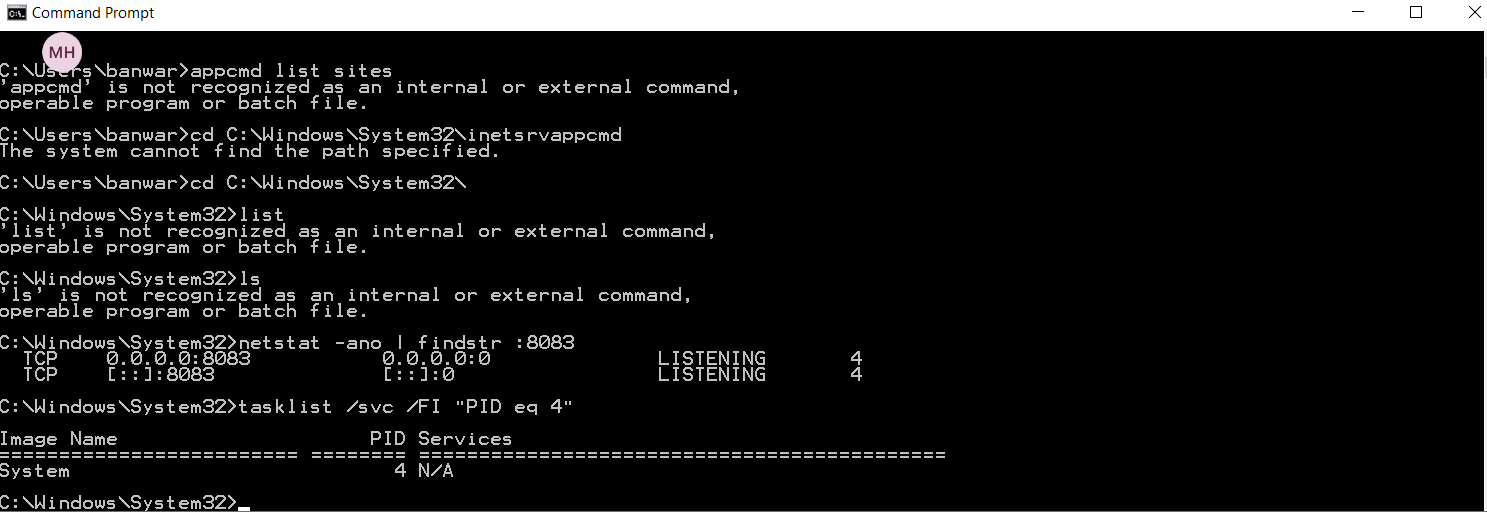
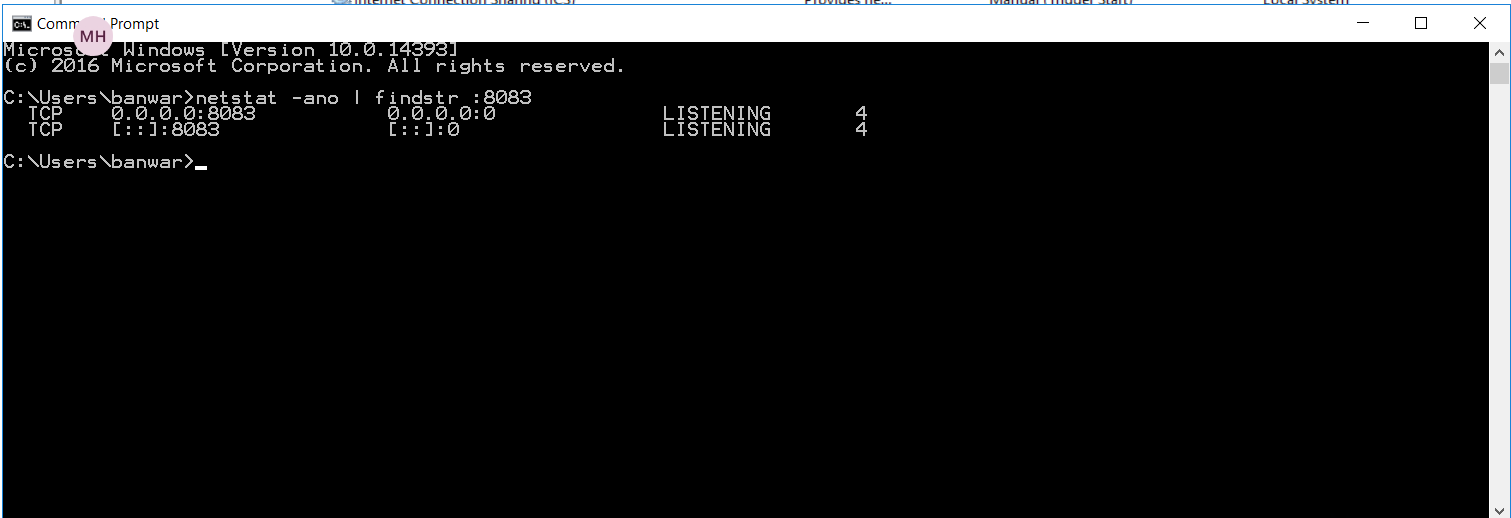
netstat -ano | findstr :8083 –> Find the PID owning the port
tasklist /svc /FI "PID eq 12345" —> Identify the process linked to a PID
Hi Bro,
I’ve checked it and here is what I found.
So, should I change the port to a new one for now or there is any way to solve that.
You should check why there is IIS on that server and make to change that port to a different one
After the change - Restart the IIS service and the Web Reports service and check that the 8083 port is listening by the Web Reports service
I’ve just stopped IIS and the Web Reports service can be accessed now via port 8083.