I locked a computer with an action and I need to unlock it based on relevance but the action, although relevant, does not start because the computer is locked.
The unlock action is targeted to “all computer”, the source fixlet is in a custom site and the computer is subscribed to this site.
Why doesn't it work? Any help or suggestion? Am I doing something wrong?
To get that machine back under your control immediately, follow these steps in the BigFix Console:
Locate the specific computer in the Computers list.
Right-click on the machine name.
Select Edit Computer Settings.
Find the checkbox labeled Locked.
Uncheck that box and click OK
You have a few options depending on what level of non-manual work you want to have. By default, only tasks that are in BES Support will run on locked computers, so regardless, you will have to unlock it either through modifying the setting or from the unlock Computer task in Bes Support. Keep in mind that you cannot copy that task to another site and run it from there or it will be constrained by the locking rules.
There is an option in the masthead Editing the Masthead on Windows systems that allows you to Exempt a site from action locking and will ignore the Locked rules and run on locked computers so that could be another option for you. It might be overkill for what you are trying to accomplish but it's an option. Here are a couple of thoughts
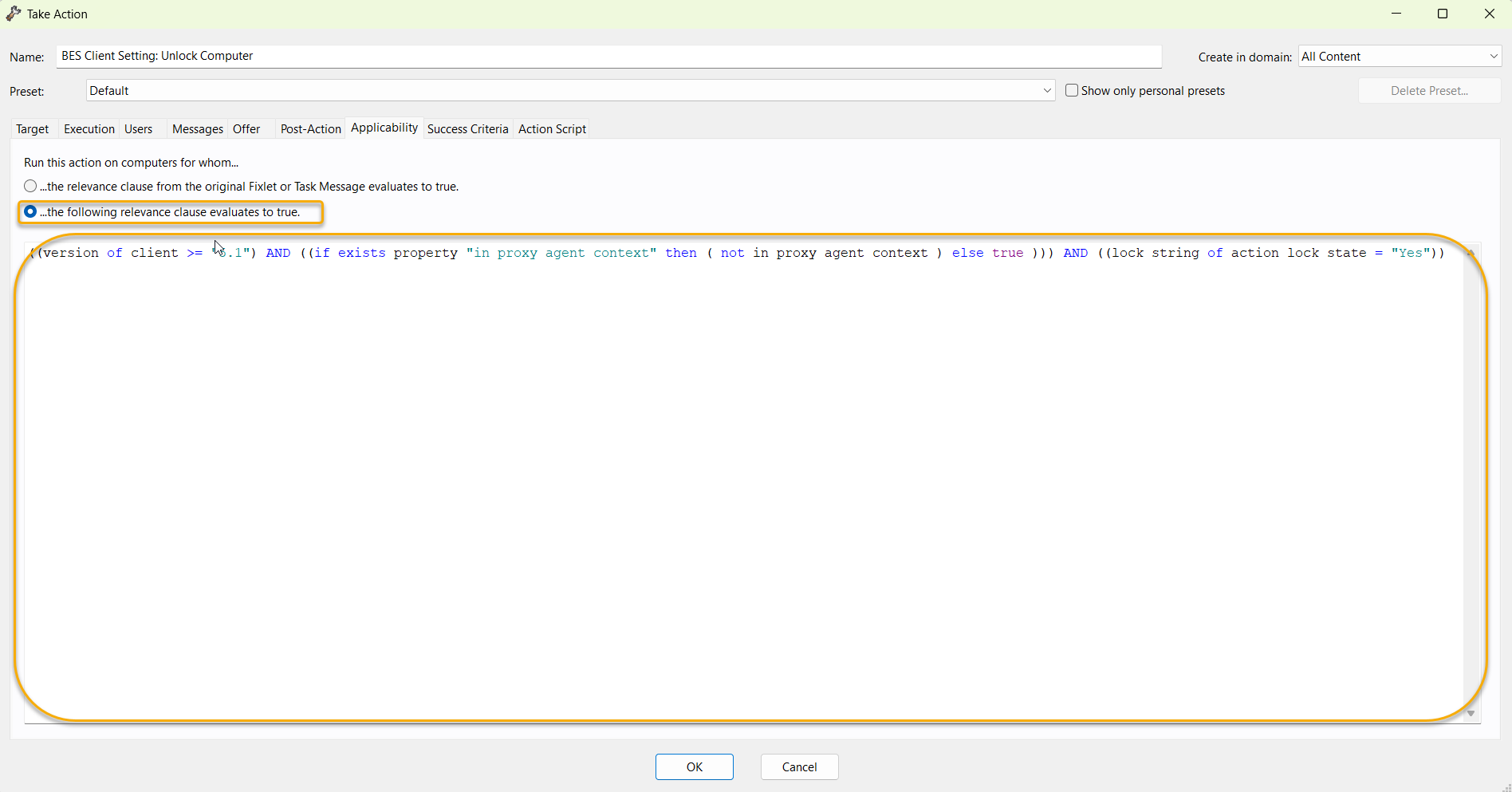
Option A: If you're setting up a policy for the unlock computer could could take action on the Unlock computer task in the Bes Support site and then change the relevance on the action instead of the task itself.
Create a new site and add an exemption to that site URL in the masthead. Then copy the unlock task and modify it with your relevance.
If you have multiple tasks that need to occur you could create a baseline in the exempt site and then set relevance on the baseline and then add the unlock task from the bes support site to the baseline to run before the other tasks. This way if the task is ever changed in bes support you would only have to sync your baseline and it should still work fine.
Thanks @Jstev
What seems weird to me is that I have another action in another custom site that unlocks regularly: the only difference is that that one is addressed to a "manual group" instead the one that doesn't work is targeted to "all computers"
It may be worth checking as @Jstev suggests that maybe your other custom site had already been configured with the locking exemption in your masthead.
When a client is Locked, only unlock actions that originate from the 'BES Support' site, or the one Custom Site named in the masthead configuration, can execute.
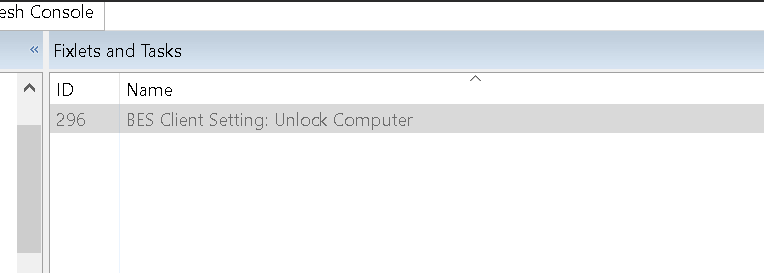
For the kind of dynamic targeting you seem to need, you could run Task 296 "BES Client Setting: Unlock Computer" from the BES Support site.
Something here sounds extremely familiar, like where tasks that involve encrypting something for the client (or secure parameters, maybe?) can only be manually targeted, not dynamically targeted. Is there any chance that something like that might be at play here?
I think something has changed with the unlock task.
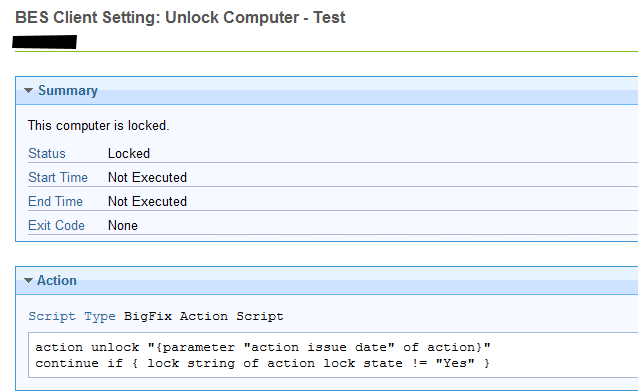
If you make a custom copy of the unlock task and save it in another site, such as the master action site, it will not unlock the system, stating the system is locked.
So either the task ID or the site play a role in if the agent executes the task.
In this test, I did not change the name of the task, I only made a custom copy of it to the master action site. I added "- Test" to the action when I deployed it.