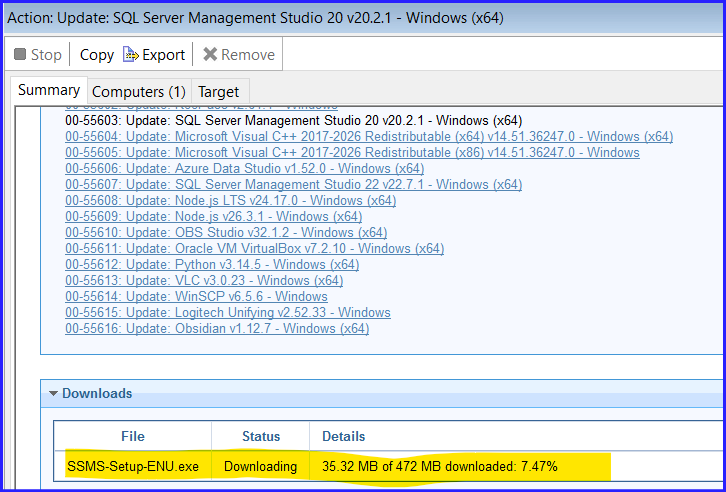
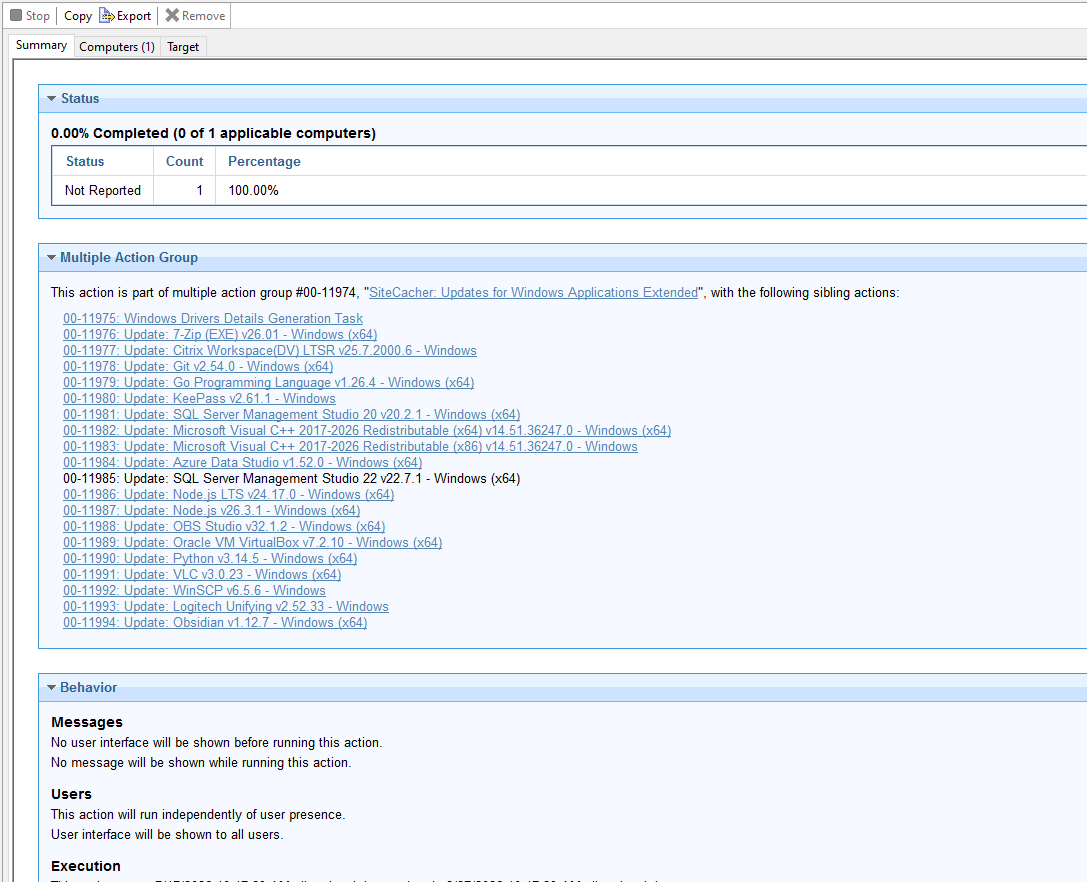
During the last few user groups I’ve attended, there were discussions around download errors particularly with the ‘Updates for Windows Applications’ and ‘Updates for Windows Applications Extended’ sites which happen when the vendor makes changes to the download after we publish the task.
In an effort to circumvent this, SiteCacher is a task that will automatically download all RELEVANT downloads and cache them on the root server. By default, it will run (via Task Scheduler) every 12 hours.
How it works:
After filling out the required fields on the description tab, you target the root server. A directory will be created in the BES Client folder on the root server. The operator password will be encrypted and stored in a file in this directory as well as a PowerShell script. In addition, a scheduled task will be created on the root server.
When the scheduled tasks runs, it will look at all relevant fixlets/tasks within the site and compile a multiple action group. It will then choose a target from the subscribed endpoints.The relevance being used in the MAG will force a not relevant FALSE.
This will then download and cache the selected payloads.
Note that this will work on any site.
To properly use this task, make sure you have enough cache on the root server to accommodate all the downloads and retain them for a period of time.
Please note: This is not an HCL supported task. Please test before putting into production.
SiteCacher Status.bes (1.1 KB)
SiteCacher v1.1.bes (10.7 KB)