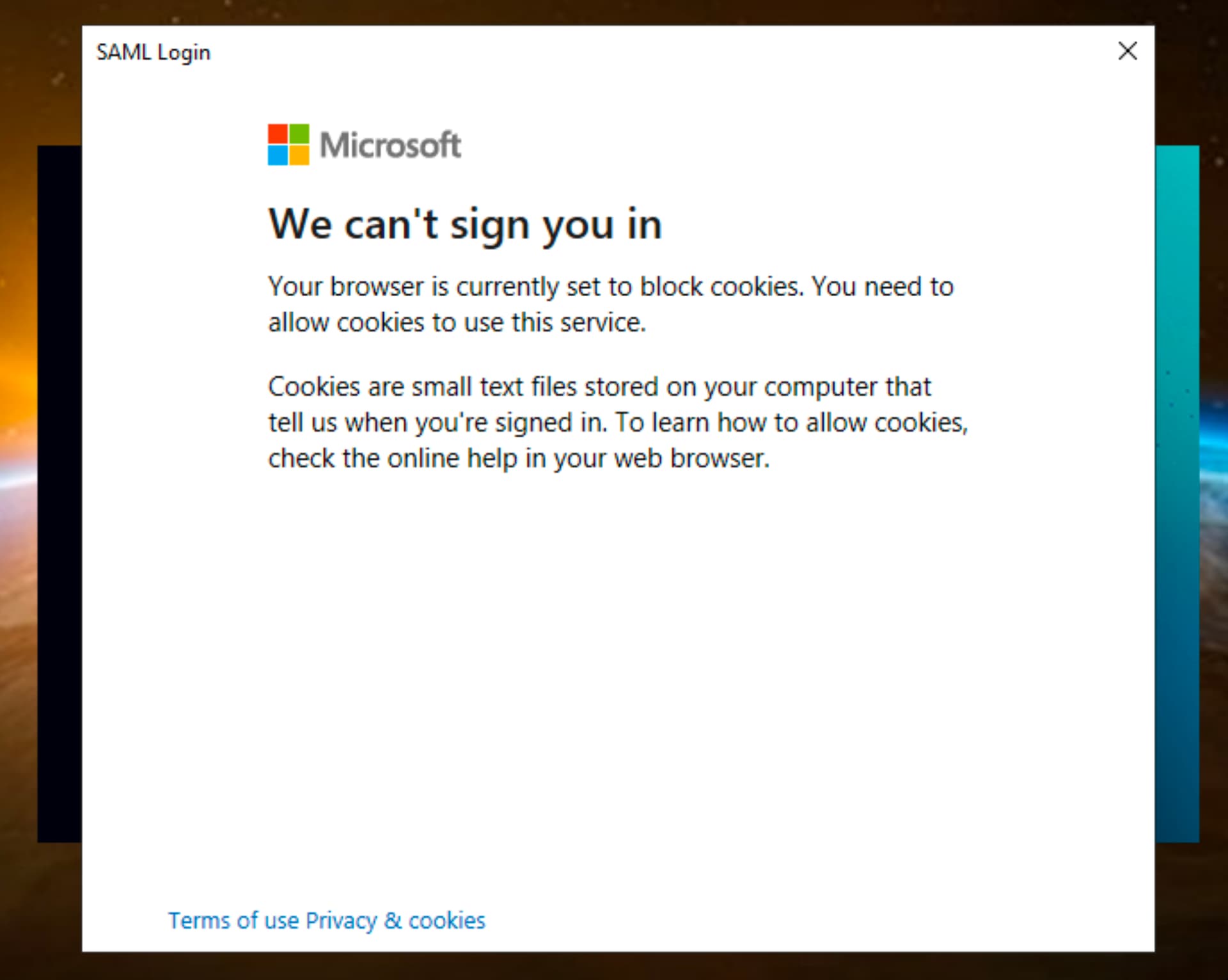
We’re setting up Entra in our environment, but running into trouble with the desktop console. After checking off “Use SAML authentication”, we see the following error:
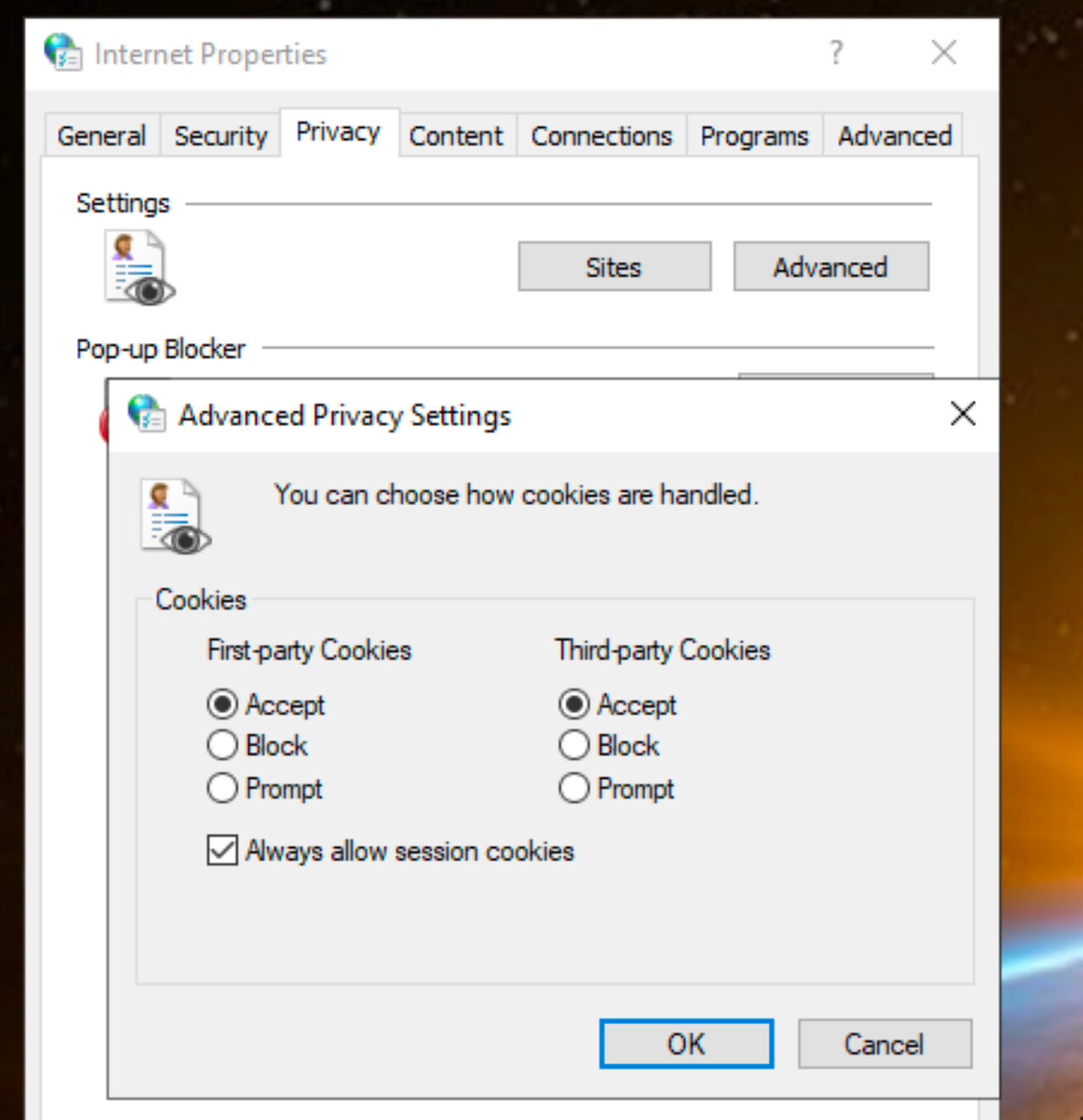
Internet settings are seemingly set to allow cookies:
FEATURE_BROWSER_EMULATION is set to emulate IE10
Windows Registry Editor Version 5.00

[HKEY_LOCAL_MACHINE\SOFTWARE\Microsoft\Internet Explorer\Main\FeatureControl\FEATURE_BROWSER_EMULATION]
"BESConsole.exe"=dword:00002710
Has anyone run into anything similar?
