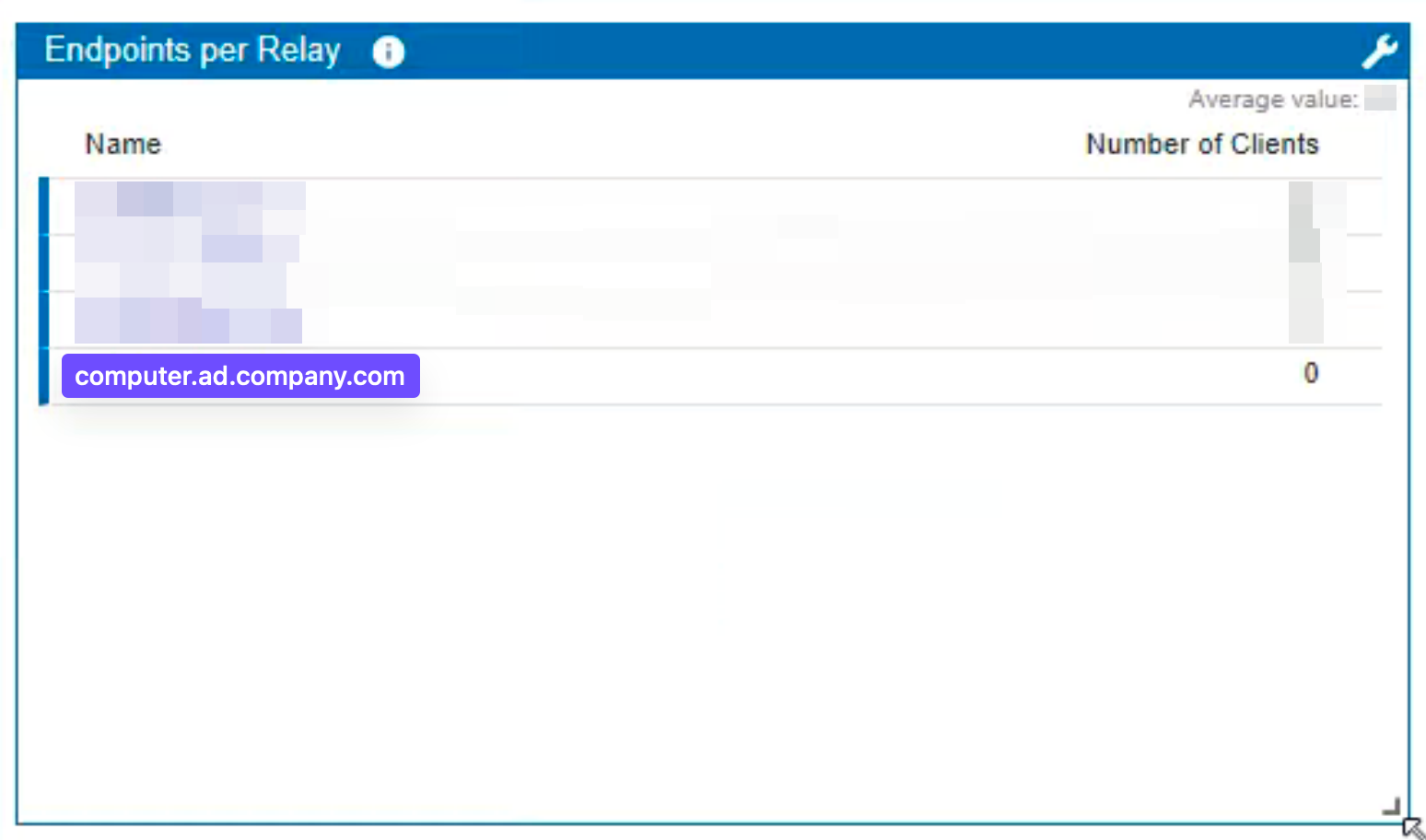
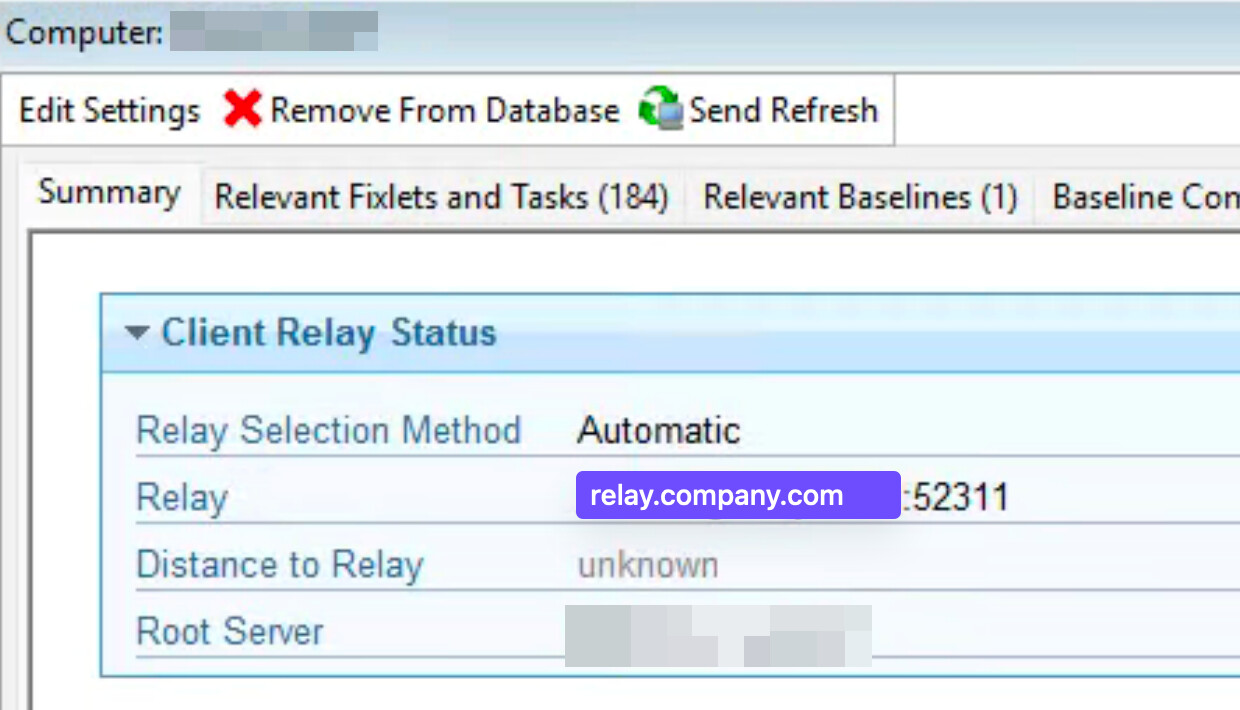
We have our public-facing relay set up with split DNS — it appears as computer.ad.company.com to internal clients, and relay.company.com to external clients. External clients are checking in successfully, but we’re unable to see any of this in the Relay Health Dashboard, since it only shows the internal computer.ad.company.com name (which reports 0 clients connected). There are currently 0 internal clients connected, but there are also external clients connected.
Is there something we can do to correlate the names somehow so we can track relay health in the dashboard?
Dashboard showing 0 clients connected, and only showing the internal name:
That's an interesting issue. The number of connected clients that are shown, is based on the clients reporting the name of the relay to which they are connected.
I think the cleanest thing might be to apply a client setting on the Relay to override the relay name that it advertises, so instead of registering as computer.ad.company.com you can make it advertise the name relay.company.com. You do this by applying the client setting _BESClient_Relay_NameOverride as described at List of settings and detailed descriptions
Thanks! That seems to have worked pretty much right away. The “Max Hops” count still shows as <unknown> but I think that’s fine for now/somewhat expected.