Below are the four different API’s which are working fine. I want to make a single API to retrieve all the information including property name. I tried my self but did not able to achieve the requirements. Kindly help to make it single API with Property name.
Try this https://bigfixserver:52311/api/query?relevance=(name of it, last report time of it, value of result from (bes property "Staus") of it | "N/A", value of result from (bes property "Environment") of it | "N/A", value of result from (bes property "LMI") of it | "N/A") of bes computers
Worth noting that this query while in its simplest possible form, is not optimized and won’t scale well (if for example you want to keep adding more properties and especially if you have big environment). The best way to do it with sets but the relevance itself gets messy/hard to follow & troubleshoot in a hurry.
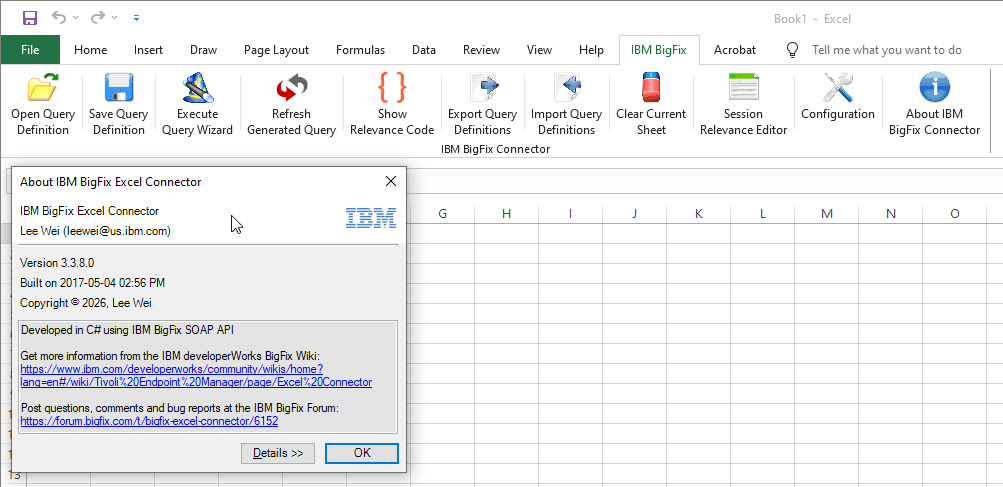
I have always found the Excel Connector a very useful way to build session relevance to use with the APIs (assuming of course you have Microsoft Excel). You can find it on the utilities page. The relevance it creates is scalable and wont have the problems @ageorgiev mentions when using a less complex forms of queries.
Have you had any luck getting it to work with Office 365 Excel by chance? I’ve just installed it but see no reference to it within Excel and can’t find any documentation for it.
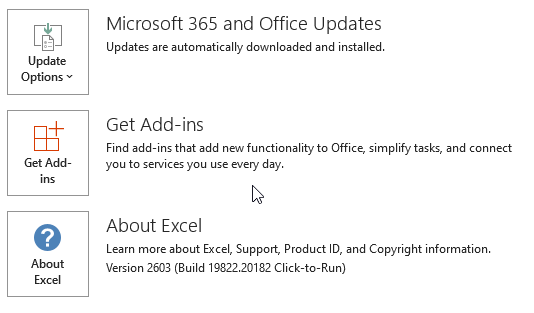
When I had 365 in my previous employment it was working and my home setup has the C2R version of Office 2019/365 and it worked ok. Just installed on my newer setup with Office 365 build 2603 and all works ok.
(name of it, last report time of it as string, (if exists values of results (it, bes properties "Staus") then (concatenation "" of values of results (it, bes properties "Staus")) else "N/A"), (if exists values of results (it, bes properties "Environment") then (concatenation "" of values of results (it, bes properties "Environment")) else "N/A"), (if exists values of results (it, bes properties "LMI") then (concatenation "" of values of results (it, bes properties "LMI")) else "N/A")) of bes computers
 - Reporting - BigFix Forum