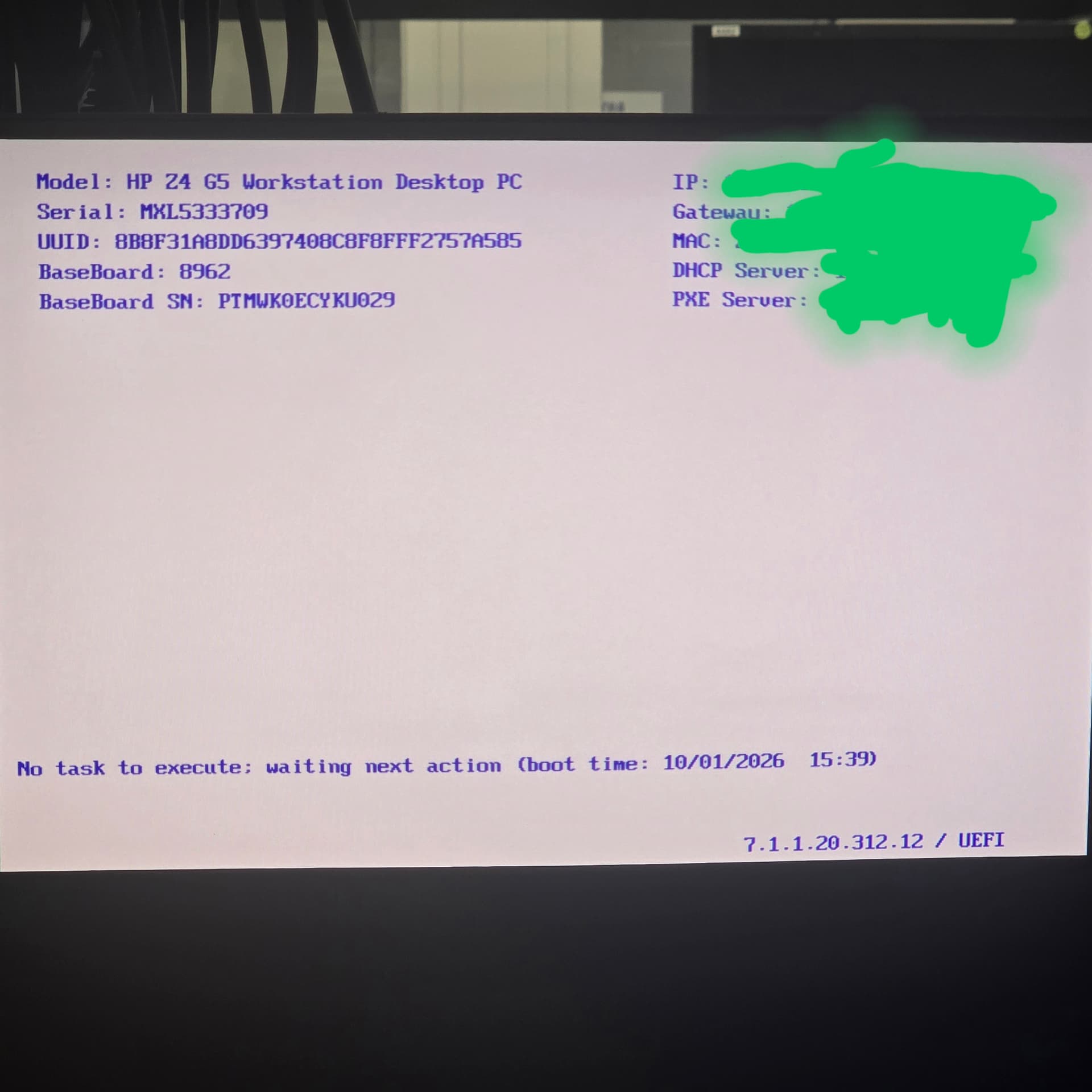
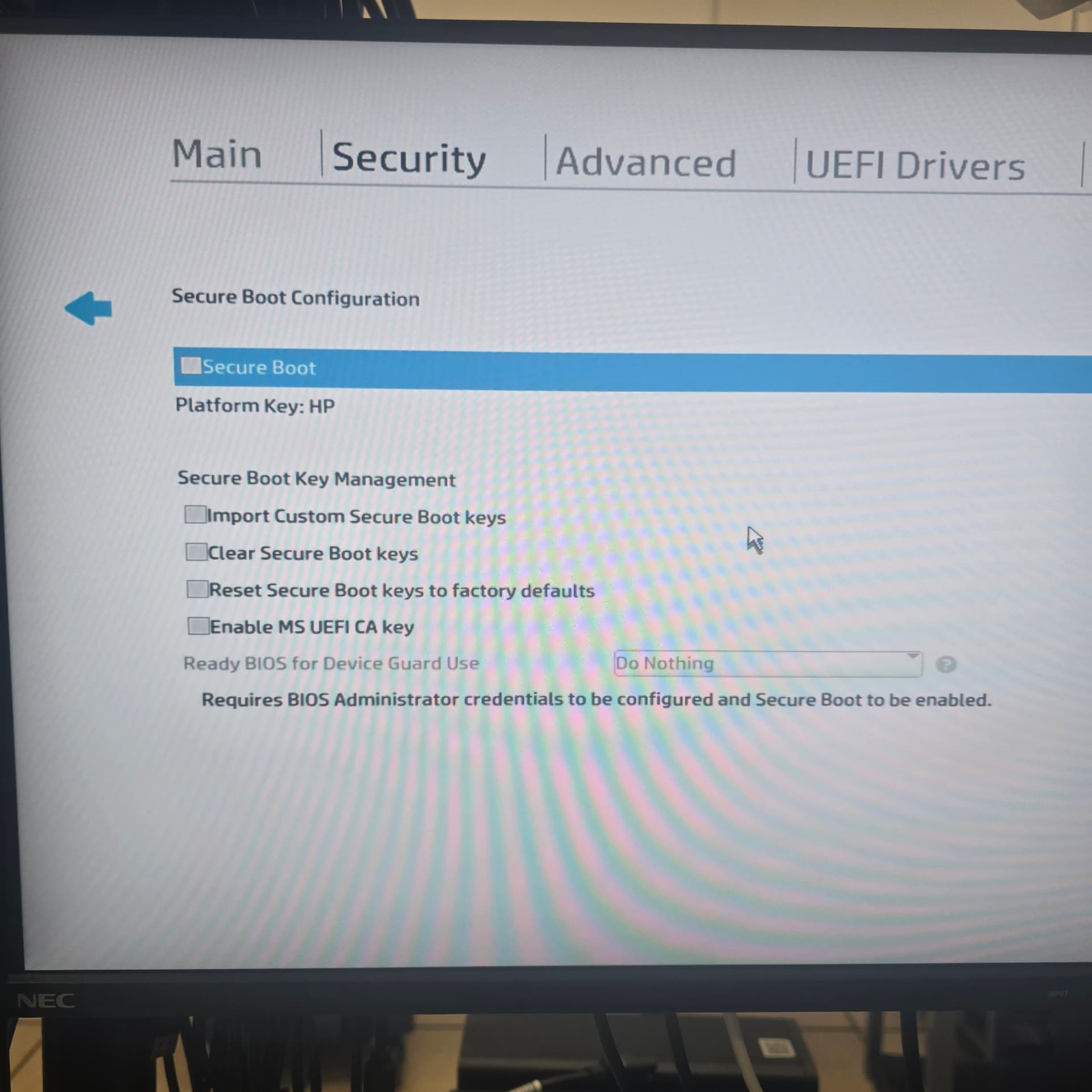
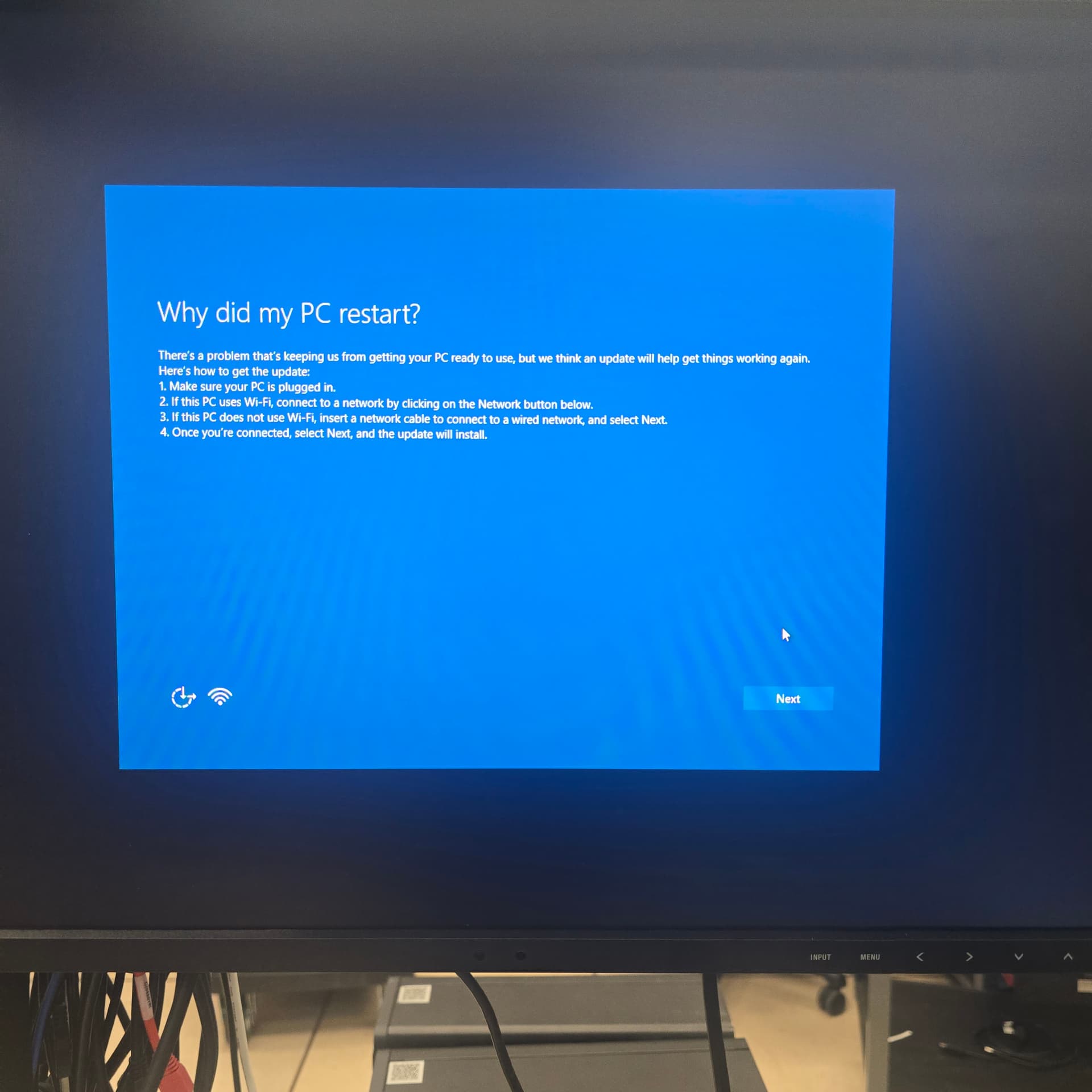
Hi. Used BF for some time but new to the Z4G5 setup. As such there is the issue of it not getting past the “waiting next action” screen. Included what I can for assistance. I’m just an end user, not admin for BF. These machines are newish…
Thanks for the help!
I'm afraid you'll probably need to communicate with your BigFix administrator, and if they need some help they can feel free to ask here.
From that screen, it looks like your client has successfully found the BigFix OSD Bare Metal Server, but if it stays on this screen indicating there is 'No task to execute', then one of your administrators may need to create an OS deployment action that targets your machine type to do an OS installation, or enable the client-side menu for the deployment.
Thanks Jason. That’s very helpful for me.
I will pass this info onto them.
All the best!
Hello,
Are there any bare metal profiles available on the Bare Metal Server that this computer booted from? If no profiles are available, the binding menu will be empty, which results in the screen you are seeing.
If bare metal profiles are present but still not displayed, the computer might be stuck processing an old task rather than loading the binding menu. In this scenario, you will need to reset its status.
If the Bare Metal Extender is installed on your server, you can resolve this by running OSD Task 303 ("Reset the status of a Bare Metal Target").
Thanks.
Sergio
BigFix OSD L3 support
1 Like
Afternoon Sergio,
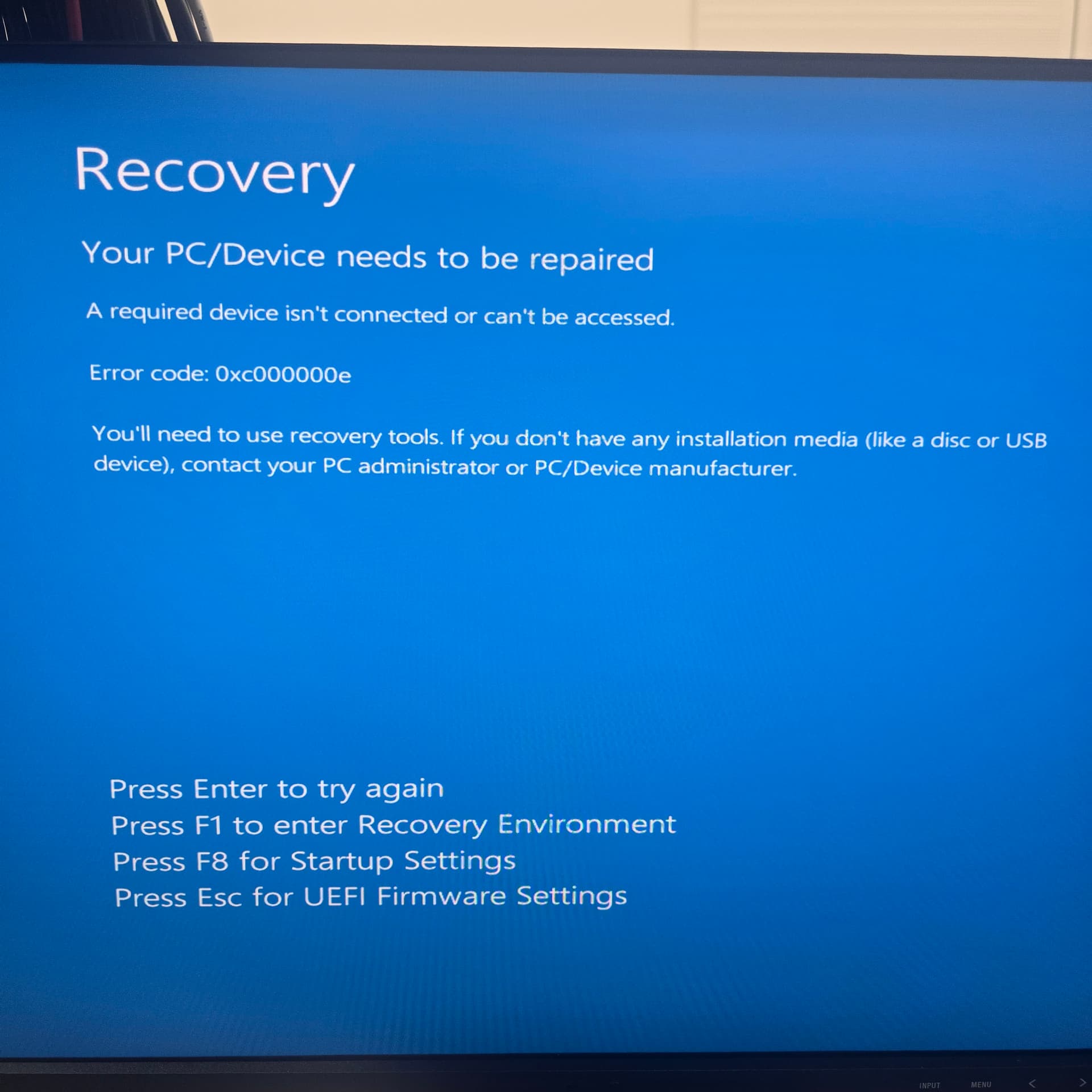
Thanks for the info. The OSE team guy got the load started, I was not here. When I got here it was powered off. I turned it on but was greeted by a Recovery window. I informed the OSE guy. I tried all the options presented but nothing worked. I’ll keep everyone posted. Cheers!
latest after loading appeared to work.
Hello, in which phase of the deployment this screen is displayed?
Hi guys,
Turns out the problem was updates to BF.
All is well now.
Thanks for your insights!
Cheers!