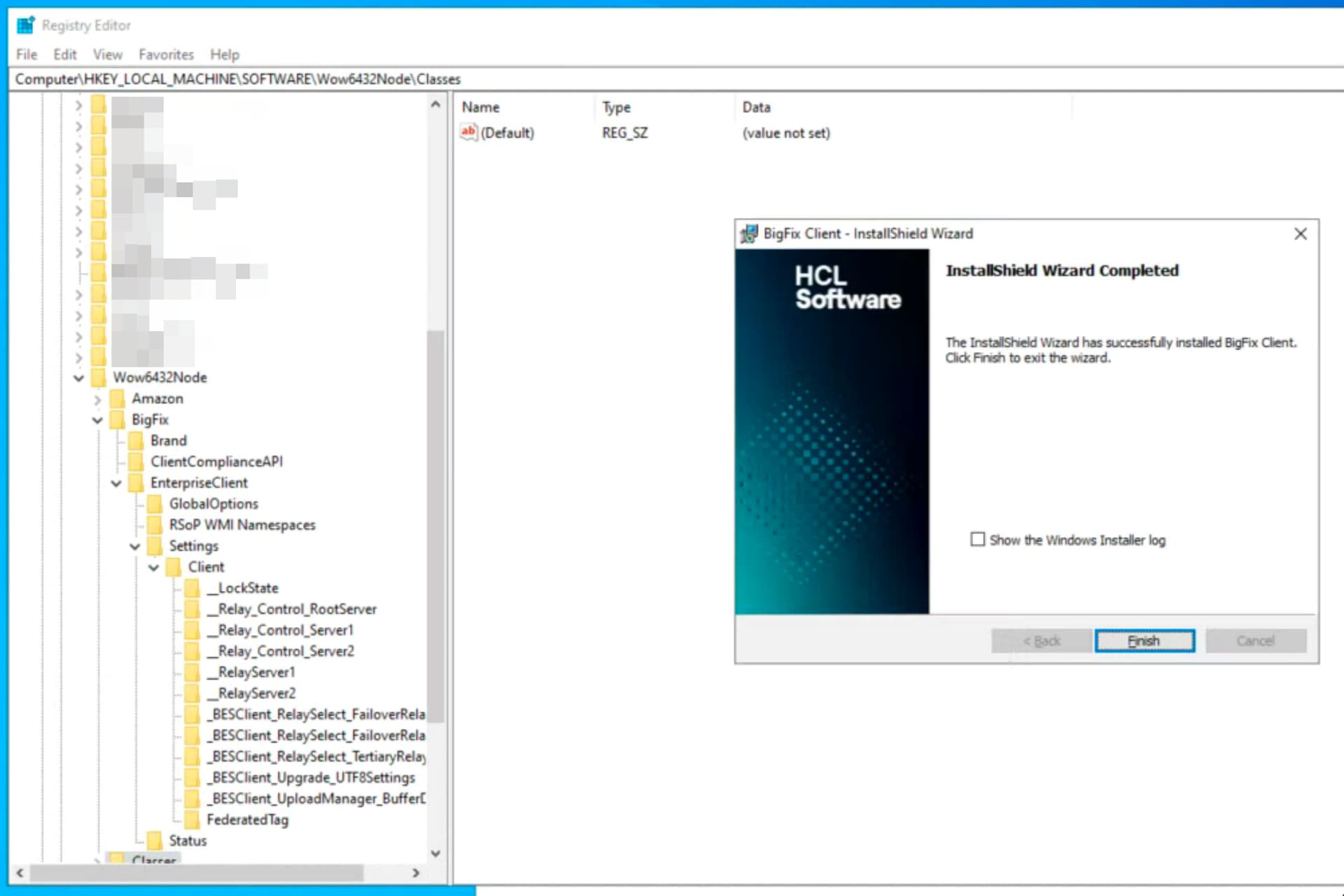
I'd like to enroll a new device and have it sorted into a manual group based on clientsettings.cfg at time of installation. I'm not sure, but one complication might be that there are spaces in the manual group's name.
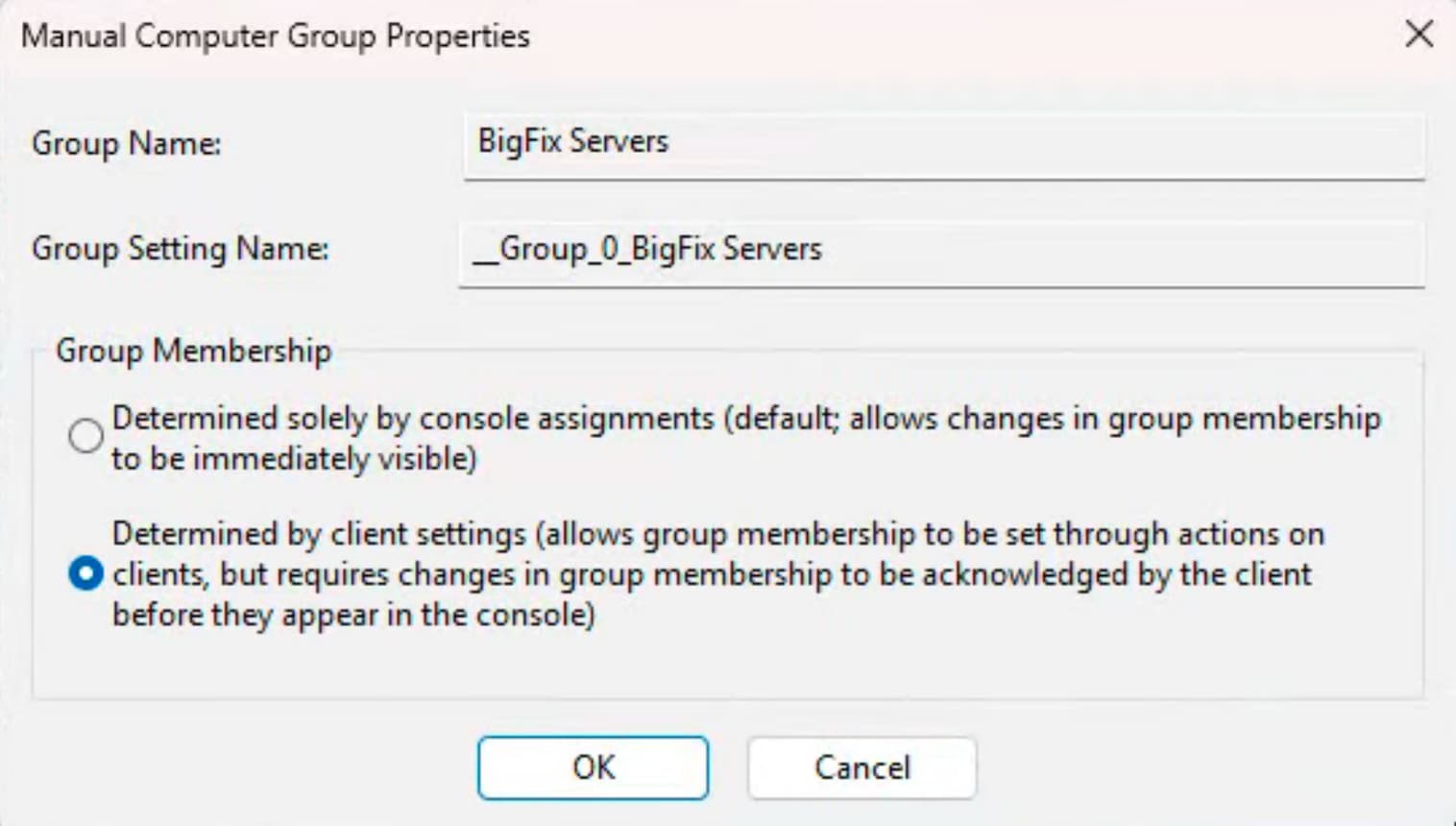
The group is set to determine group membership by client settings
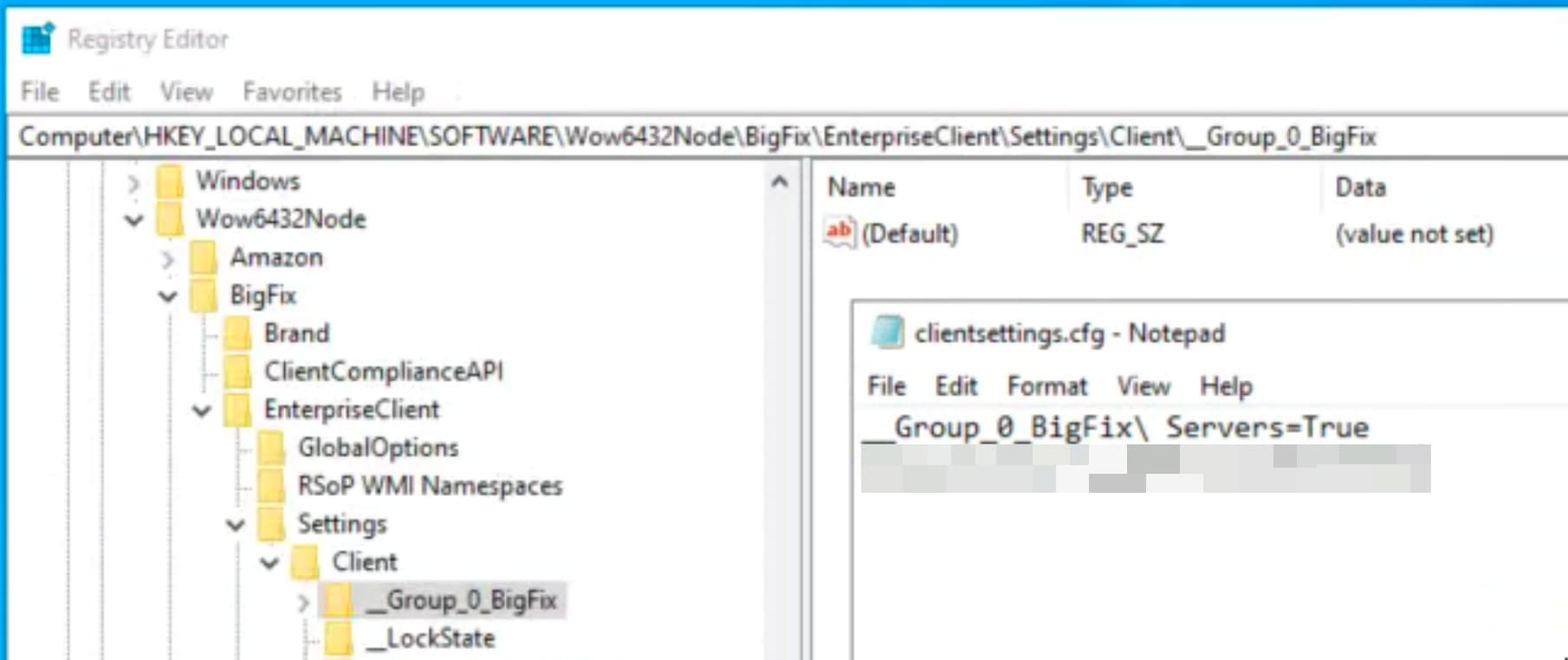
There are other settings in the clientsettings.cfg file that are getting applied correctly, so I know the file itself is being seen, and is mostly loading fine. However, the device does not get added to the group, and the __Group_0_Bigfix Servers key does not get added to the registry.
Because there's a space in the name, I also tried
"__Group_0_BigFix Servers"=True
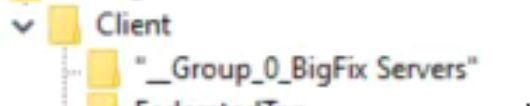
but this just added the group with quotes around it:
This group used to be "Determined solely by console assignments", but I changed it to "Determined by client settings" to facilitate this workflow. On computers that were added to this group previously, I see the key in the registry set successfully with a space in the name:
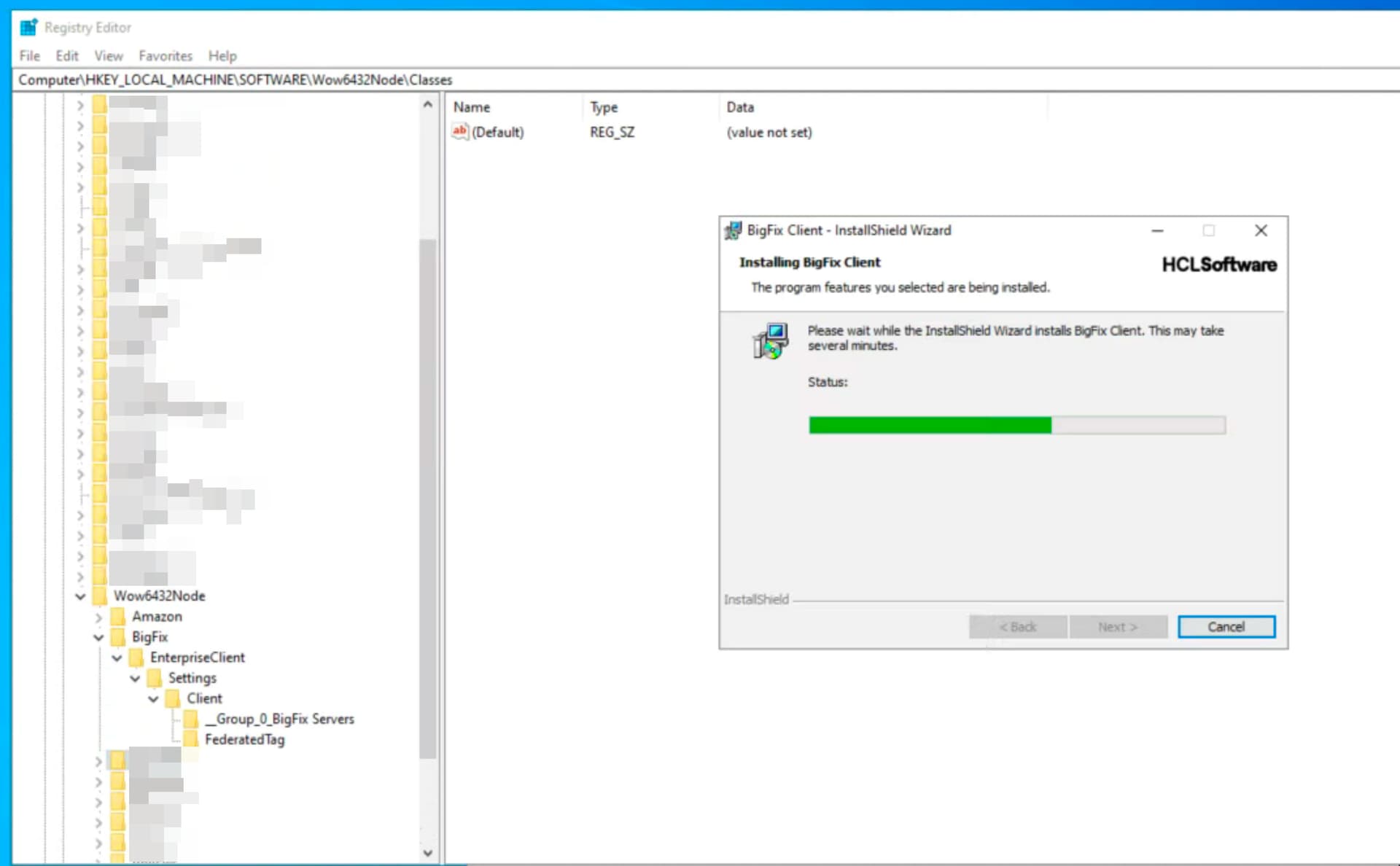
Here's something strange:
The group does seem to get added during installation, when it's listed in clientsettings.cfg normally (no quotes, backslashes, etc):
I would recommend using a specific client setting during installation, for example: New_Build_BFXServer=True. This ensures the setting is preserved and supported by the client. The likely reason your client is deleting it is that there is no active action from the console side for group creation, typically a background action is triggered whenever a group is created.
Additionally, it is recommended to use a server group (it reduce re-evaluation) if an RP already exists. Otherwise, proceed with an automatic computer group, as it is easier to maintain and does not require ongoing manual upkeep the way a manual group does.
I would agree with @vk.khurava and was going to ask @eg2428 Is there a reason that you wanted it as a Manual group specifically?
We have some devices that we do something similar things with in order to tag them as that use case.
In the clientsettings.cfg file we have an entry called __DeploymentType=Monitoring so that it creates client setting when the Bigfix client installs. Then we have an automatic computer group that allows us to populate it and use it for targeting for other tasks/policy actions.
exists settings whose (name of it equals "__DeploymentType" and Value of it equals "Monitoring") of client as string
You can review the product documentation regarding computer groups as well. But Manual groups are intended to be a static list and isn't created by the agent through client relevance which is why your manual groups aren't populated automatically.
Not really a specific reason. Our list of BigFix servers is pretty static, aside from the rare new relay, so it seemed like a manual group made sense.
We were just setting up a new relay, however, and I wanted to make sure it didn't run our policy fixlet that automatically sets our standard client clientsettings, which are set to deploy to all clients (defined as "not part of the manual BigFix servers group", which is populated to an automatic group).
We can definitely pivot to using an automatic or server group, though. Thanks.
If it's to avoid applying a dynamic policy, note that group membership changes requires an Action; and at least for a new installation, you run a risk that the action to 'apply default settings' executes before the action to 'join an automatic or manual group'.
As workarounds, it might be useful to either change the relevance on your 'default settings' to exclude Bigfix relays specifically - like with not exists relay service and not exists main gather service to exclude both Relays and Root Server; or create an Automatic Group for all the 'normal' things (with relevance like this), and apply your default settings only to that 'default group' -- this way you can be sure the client has evaluated and determined that it is in fact a 'normal' machine before running your default policy, rather than running the policy on a client that just hasn't determined that yet.