I’m looking to clear up something that I’m not sure of. I am following document on setting up DSA server. Following on authenticating additional server document here Authenticating Additional Servers
Using : Using NT Authentication with domain users and user groups
I have completed step 1 and 2, but step 3 i’m not sure of.
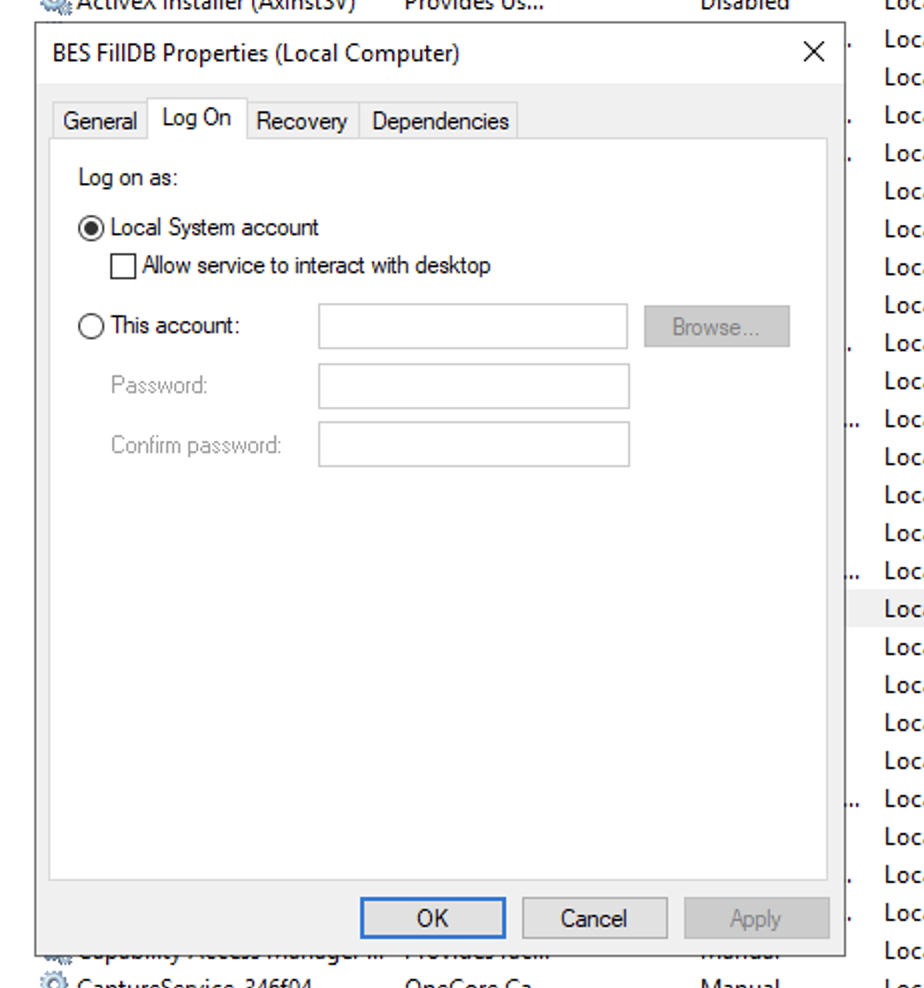
On the Master Server, change the LogOn settings for the FillDB, BES Root, and Web Reports services to the domain user or member of the user group created in step 2, and restart the services.
Yes, that’s correct. You need to provide your service account, which has access to both the infrastructure and configure the FillDB services on both the Master and DSA servers. Ensure that the service account is configured with the necessary permissions.
@vk.khurava thank you for clearing that. One more thing, in the document only stated that this needed for master servers. Do I need to do the same for the DSA server? or not needed?
That needs to be configured on both servers in the same way. Ensure that whatever permissions you have configured on the database are completely identical on both servers.
@Aram@vk.khurava wonder if you guy can help with this one last step here with the relay failed over.
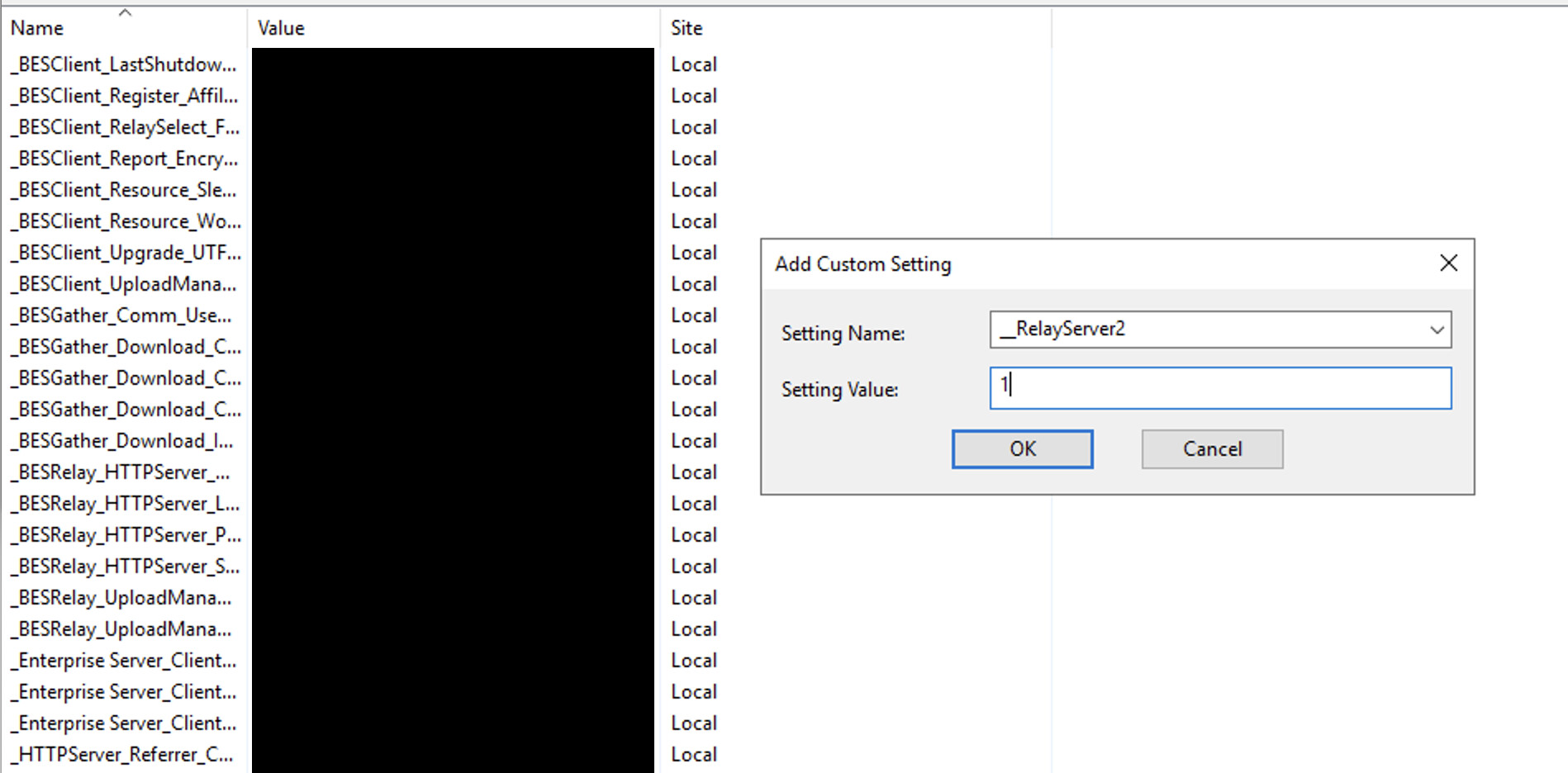
In order for the failover process to successfully occur set the DSA server as the secondary relay in client settings using __RelayServer2 for the top-level relays (or via the console Computer right-click settings user interface).
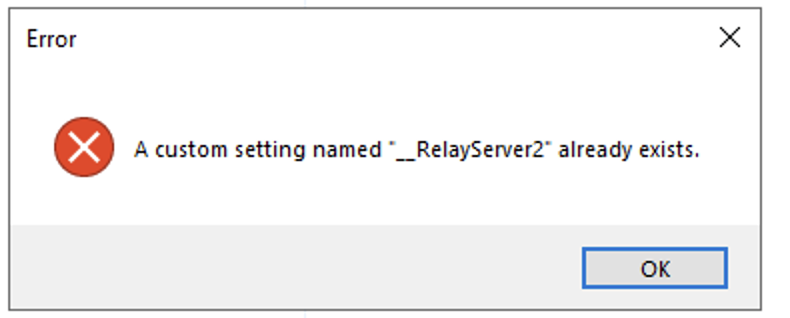
When I did that on my secondary server I get an error message that custom setting already exist.
NVM I have found it in the registry setting and add value of 1 to _relayserver2. for whatever odds reason it is not showing the list I mentioned above.
This setting (__RelayServer2) is essentially the Secondary Relay, so, rather than appear as a Custom Setting, it should be in the section above for Relay assignment.
You do not need to configure any failover settings on either the BigFix Master (Primary or Secondary). However, your DSA must have a host file entry of the primary server against the FQDN of your BigFix infrastructure.
Note: Whenever new BigFix infrastructure is configured, it is recommended to use a DNS alias instead of a server hostname. There are many benefits to this approach, including easier management and flexibility.
Your top-level relay must know which BigFix master to reach when there is an issue with the primary master. You can configure this under the client setting _BESClient_RelaySelect_FailoverRelay.