Hi everyone
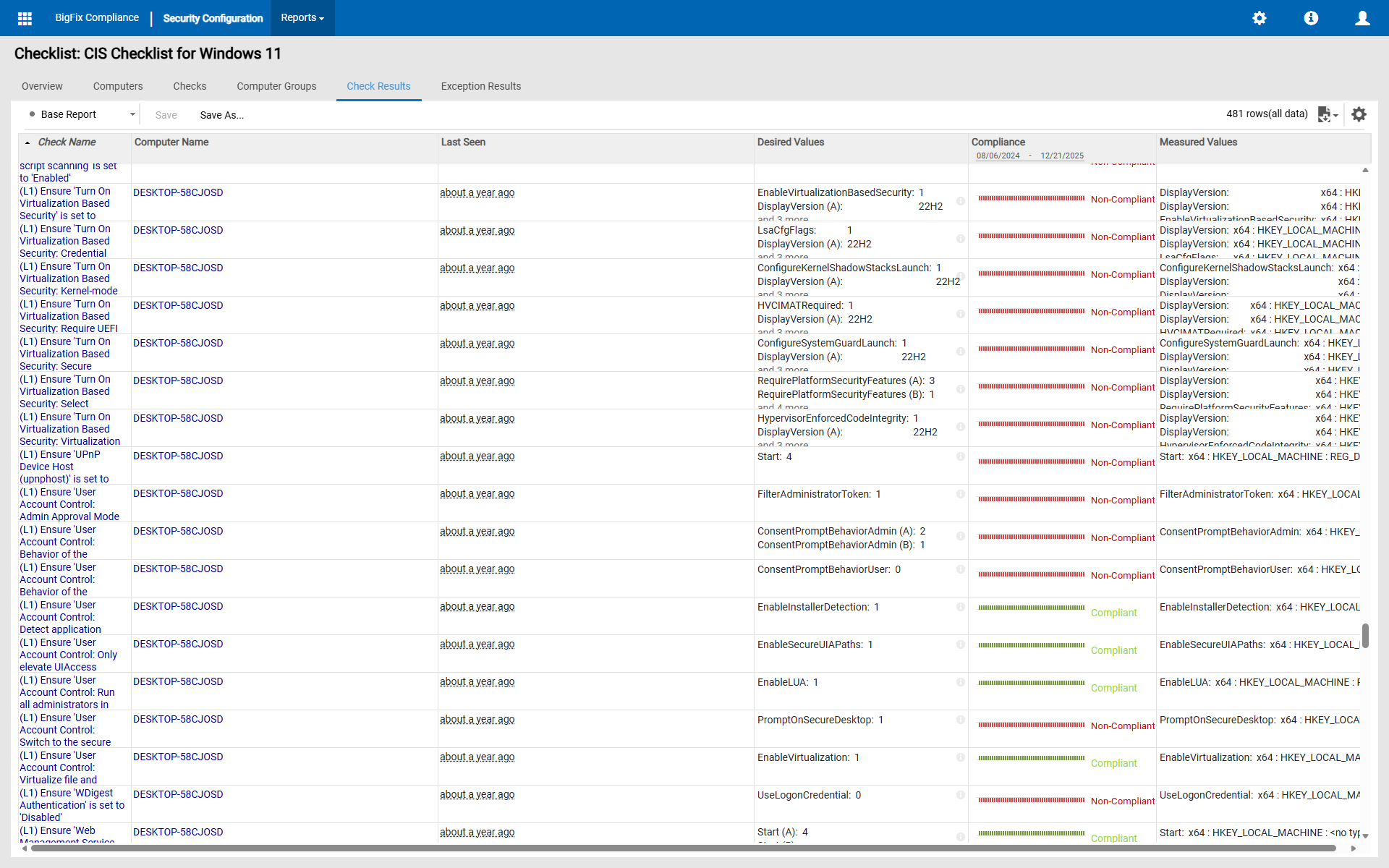
Trying to open the check result report in a Web Compliance > Checklist > select on a checklist > Check Result tab > add Desired Values & Measured Values columns.
After that, trying to get the small column width for Check Name, Desired Values, & Measured Values, look at the value for their respective column.
Check Name, it will be auto adjusting with the column width but will be cropped if more than 3 lines.
Desired Values & Measured Values, they will fix width only, not auto adjusting, always cropped.
And they will show “and xx more” but not clickable, for every multiple values that has more than 2 values. See the screenshot below
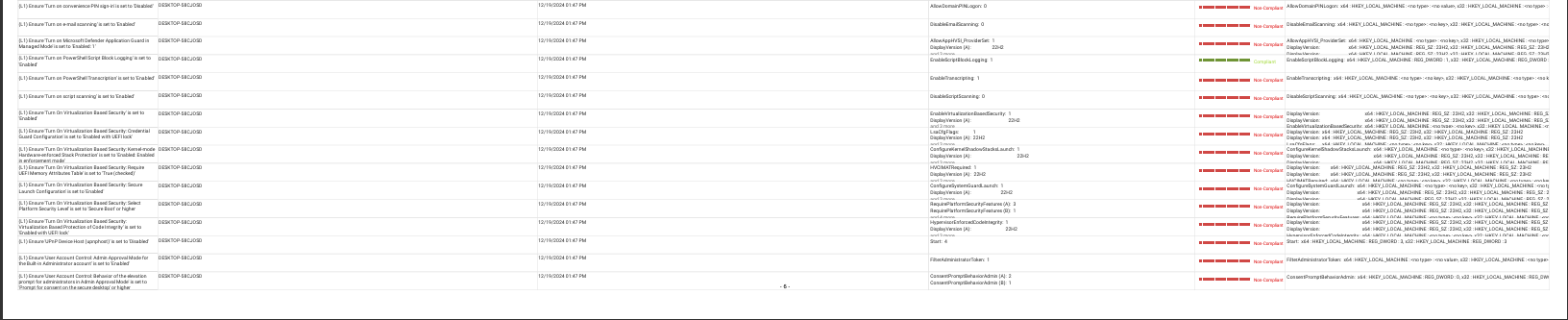
After that, tried to export it to pdf, A4 paper size, and boom, still cropped, changed to A0, still cropped if the values still long.
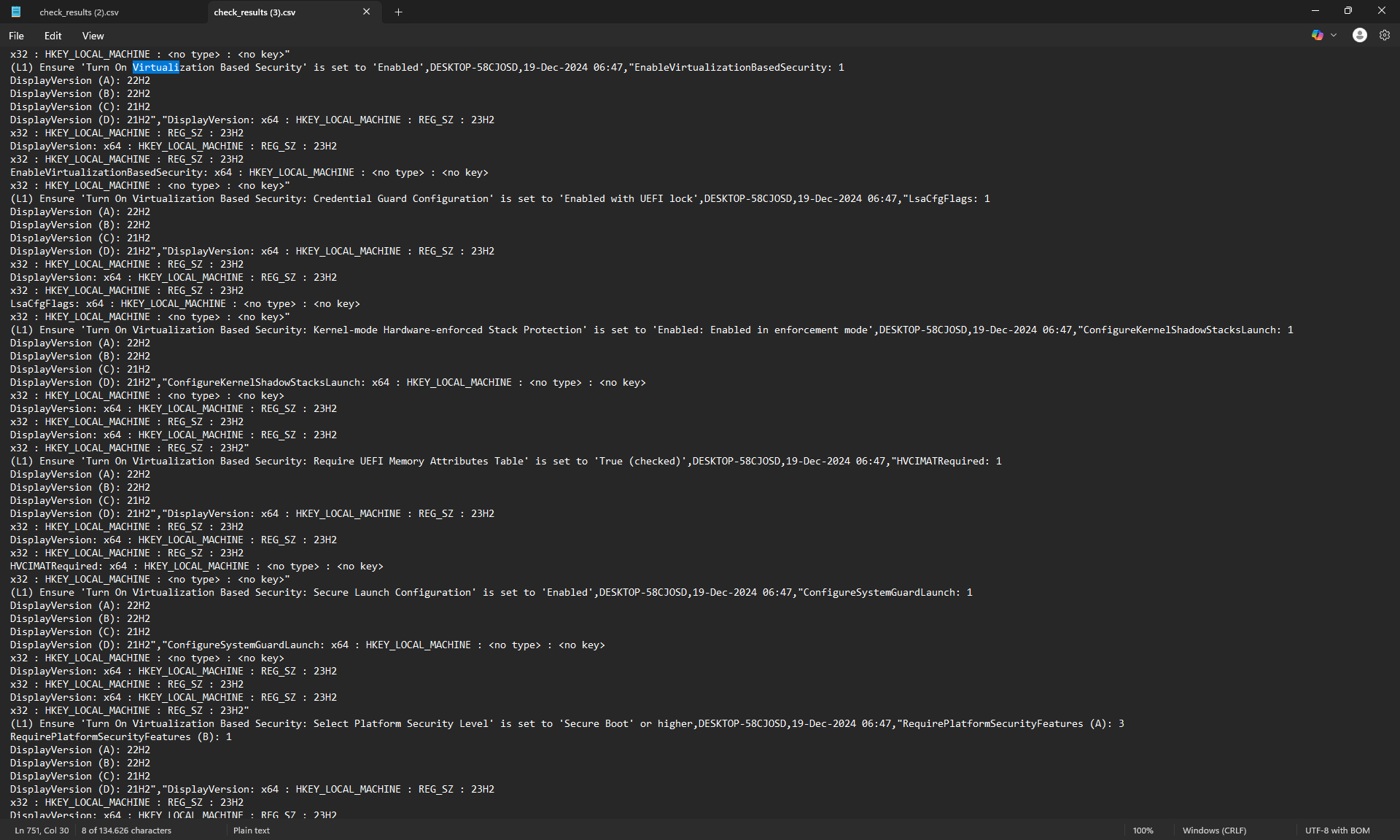
Another option, tried to export it to csv, every multiple values will be in a new line.
It needed a manual adjustment to get the detailed and readable report.
Is there anyone here who has the resolution to solve my issue?