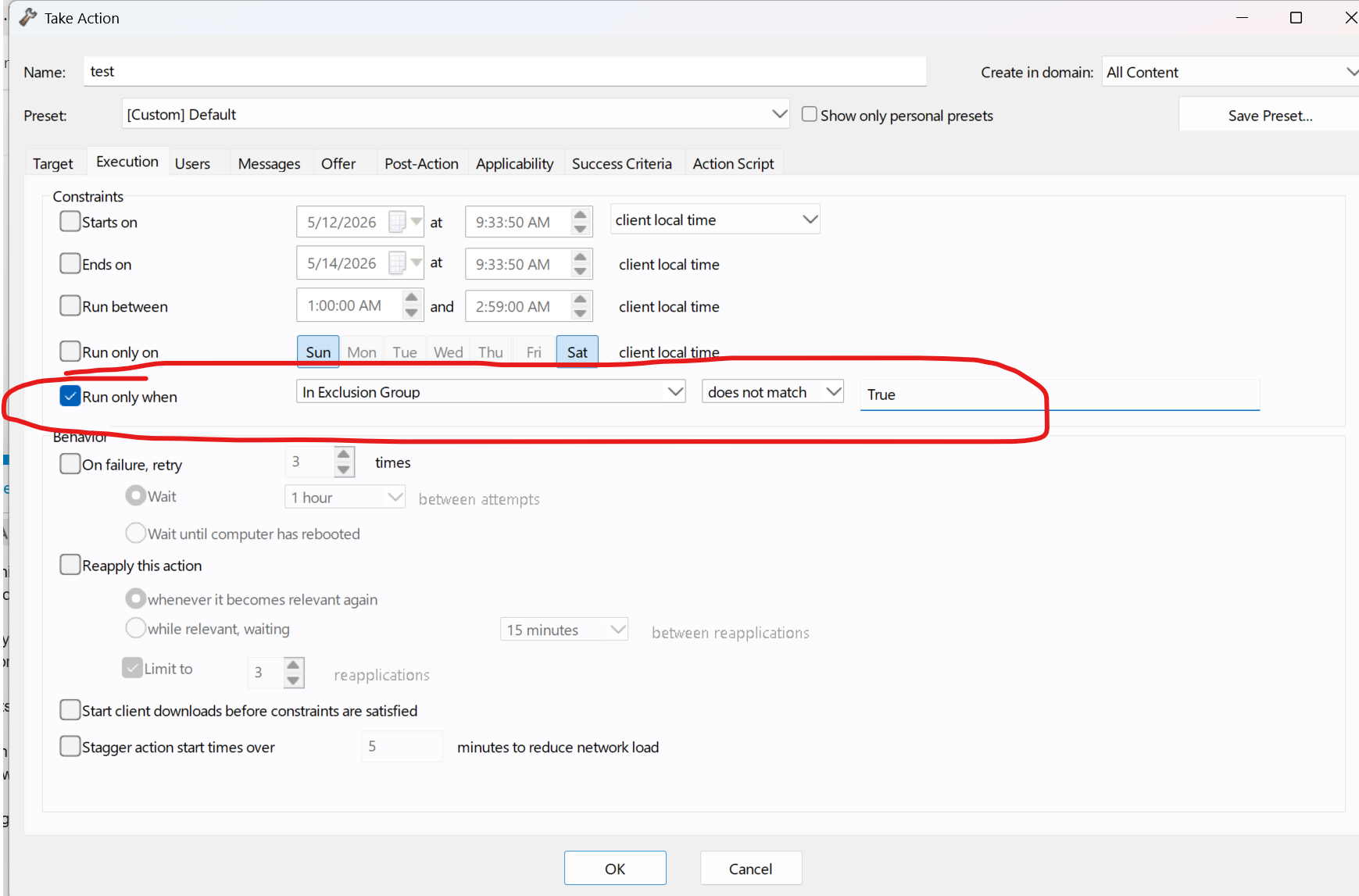
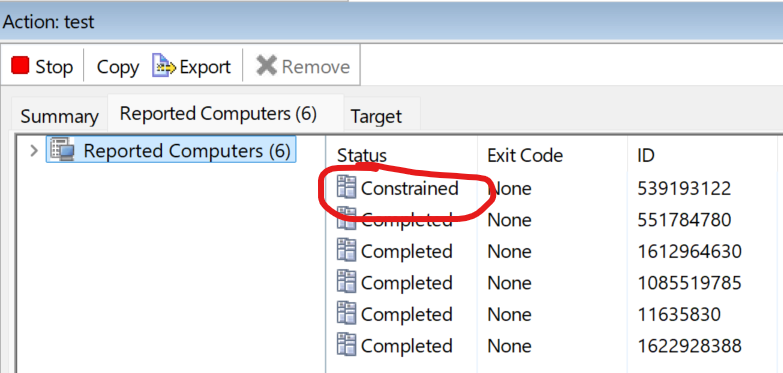
We use it in the relevance but you could also use it in action relevance.
We do have a very robust patch exception process that would work for your request.
Setting the stage:
We are multi-tenant and customers often request we don't patch a system or application for whatever reason. We have a client setting that we can populate with with a code that corresponds with the application or type of exception we need.
(The following is copy and paste from our KB on the subject.)
Exception Processing and Example
We decided to make the exceptions cryptic by entering them as 6 bite binary code. This turned out to be highly beneficial because now we can enter multiple exceptions (tags) with a delimiter and use the relevance language “contains”. We were cryptic because we don't want anyone outside of my team to put in exceptions without our knowledge.
The EP - Google Chrome baseline ONLY contains patches for Chrome and EP - Mozilla Firefox baseline ONLY contains patches for Firefox
Binary
000101 = "No Chrome"
000110 = “No Firefox"
If a system is tagged 000101, no chrome patches
If a system is tagged 000110, no Firefox patches
Relevance language used on those baselines:
The following relevance works; but it is not how I would write it. I pulled it from one of our baselines.
not exists (if exist values of settings "MRS_PE" of client then value of setting "MRS_PE" of client else "False") whose (it as string as lowercase contains "000101" as lowercase)
If PE tag does not contain 000101 the EP - Google Chrome baseline is relevant and Google Chrome patches will be deployed
If PE tag does not contain 000110 the EP - Mozilla Firefox baseline is relevant and Mozilla Firefox patches will be deployed
We can use a delimiter to put multiple exceptions in the tag (: is the delimiter)
When we use the relevance "contains" systems tagged “000101: 000110” will not be relevant to Google Chrome OR Mozilla Firefox.
Finally, we have a backup of this exception in the registry in case the agent is uninstalled with the BESremove tool and the BigFix is reinstalled. If the two values, the client setting and the backup reg key, do not match, we have a policy to add the system to a discrepancy group and then anything in that group gets locked to prevent the undesired patches from being deployed.
=====================
So for you, you could create a custom client setting (Best to be OS friendly) and create a task to set it. Then you can set the property to whatever value you want, and use relevance in the policy to exclude anything that has that property.

 . Thinking more about this as you folks all share ideas, I’m realizing that this is pretty much always going to be a “remove it and don’t put it back” situation rather than a “don’t put it there in the first place”, meaning the race condition will always be in a “second heat”, so to speak.